
:wq is the Vim command to save the file and quit. The colon opens command-line mode, w means write (save) and q means quit. Press Esc first to make sure you are in Normal mode, then type :wq and press Enter.
How to exit Vim, step by step
- Press Esc. This leaves Insert mode. Pressing it twice does no harm.
- Type
:. The cursor jumps to the bottom of the screen. - Type
wqto save and quit, orq!to quit without saving. - Press Enter.
:wq, :x, :q! and friends
Vim has several ways to leave. They differ in one thing: whether they write the file. The definitions below follow the official help, editing.txt.
| Command | What it does |
|---|---|
:w | Write (save) the file. Stay in Vim |
:q | Quit. Vim refuses if there are unsaved changes |
:q! | Quit without writing, even with unsaved changes. Changes are lost |
:wq | Write the file and quit, always, even if nothing changed |
:x | Like :wq, but writes only when there are changes |
ZZ | Normal-mode shortcut, no colon. Same as :x |
ZQ | Normal-mode shortcut. Same as :q! |
:wqa | Write all changed buffers and quit |
:qa! | Quit all windows and discard every change |
:wq vs 😡
Both save and quit. The difference is the write. :wq always writes the file, so its modification time changes even if you touched nothing. :x only writes if the buffer was modified. That matters for build tools like make, which decide what to rebuild from file timestamps.
$ vim notes.txt     # open, change nothing
:wq                 # file is written, mtime updates

$ vim notes.txt     # open, change nothing
:x                  # nothing written, mtime unchanged
Why does :q say “No write since last change”?
Vim protects your work. If the buffer has unsaved changes, :q stops with error E37. Use :wq to keep the changes or :q! to throw them away.
Why :wq is a programmer joke
Vim starts in Normal mode, where letters are commands, not text. A newcomer opens it by accident, often because Git launched it for a commit message, types “quit” and watches strange things happen. There is no menu and no close button in the terminal.
“How do I exit Vim?” became one of the most famous programming questions on the internet, and a running gag in developer culture. Jokes about it range from “I’ve been using Vim for two years, mostly because I can’t figure out how to exit” to turning the computer off and on again, a fix we explain in Have you tried turning it off and on again.
So wearing :wq says something simple: I know how to get out. It is a small badge for anyone who lives in a terminal, and an inside joke that every developer recognises.
If Git opened Vim for you
Write your commit message on the first line, then press Esc and type :wq. If you want to cancel the commit, quit with :cq: Vim exits with an error code, and Git aborts. To use another editor next time:
git config --global core.editor "nano"Wear the command
Two ways to say you know how to exit Vim. Both are in the Vim collection.
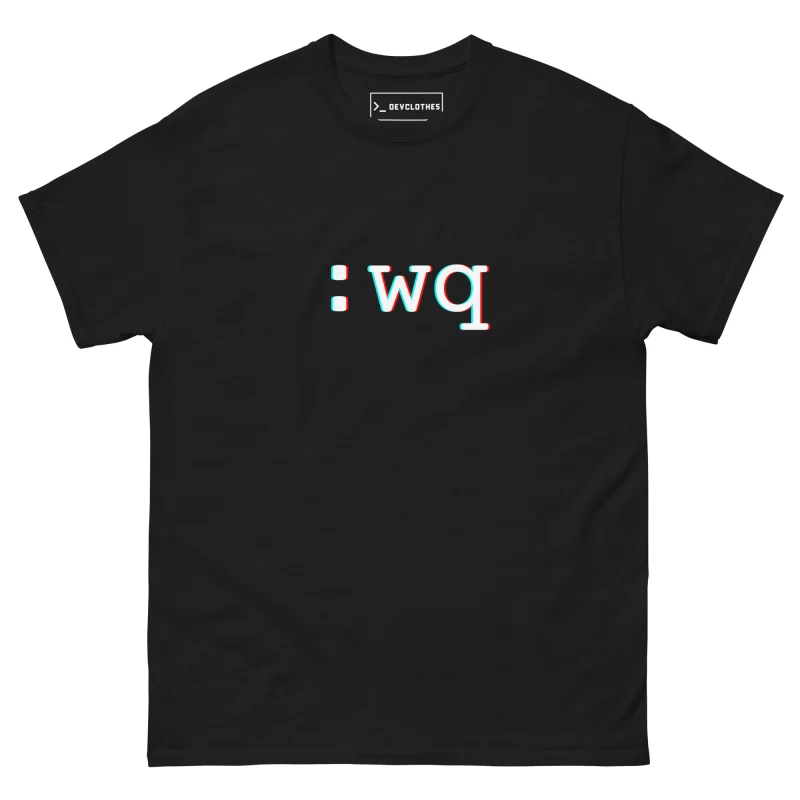
:wq Vim T-Shirt · 24 €
Save and get me out of here.

:wq Vim Cap · 29 €
The same command, in a cap.
The shirt is unisex, S to 5XL: check the size guide. The cap costs 29 €. More ideas in the Christmas gift guide for programmers.
A few more Vim survival commands
Once you can leave, these help you stay a little longer:
| Keys | Mode | What it does |
|---|---|---|
i | Normal | Enter Insert mode, so you can type text |
Esc | Insert | Return to Normal mode |
u | Normal | Undo the last change |
Ctrl+r | Normal | Redo |
/word | Normal | Search forward for “word” |
:help | Command-line | Open the built-in manual |
New to Vim? Run vimtutor in a terminal. It is an interactive lesson that ships with Vim and takes about half an hour.
Why Vim works this way
Vim descends from vi, written by Bill Joy for BSD Unix in the 1970s, when terminals were slow and many keyboards had no arrow keys. Separate modes let every letter act as a command in Normal mode, so you can edit without moving your hands from the home row. The price is the learning curve: the editor does nothing obvious when you first type, and the way out is hidden behind a colon.
Fans argue that the colon commands are the point. Once :wq is in your fingers, saving and quitting takes four keystrokes and no mouse. That habit is also why some developers type :wq into chat windows and word processors by accident.
FAQ
What does :wq! do?
It writes and quits even when Vim would normally refuse, for example with a read-only file you have permission to write.
Is 😡 the same as ZZ?
Yes. The Vim help defines ZZ as “same as :x”: write if modified, then close the window.
Does :wq work in vi and Neovim?
Yes. :w, :q, :wq, :x and ZZ work in vi, Vim and Neovim.